
Your Plex Music.
On Your Wrist.
wristAmp is a standalone smartwatch app that connects directly to your self-hosted Plex server. Browse your artists, albums, and playlists. Stream or download for offline listening. No phone required.
Built for the Plex user who runs, commutes, or works out without their phone.
Everything you need.
Nothing you don't.
wristAmp brings the best of Plex music to your smartwatch with a focused, intuitive experience.
Standalone. No Phone Needed.
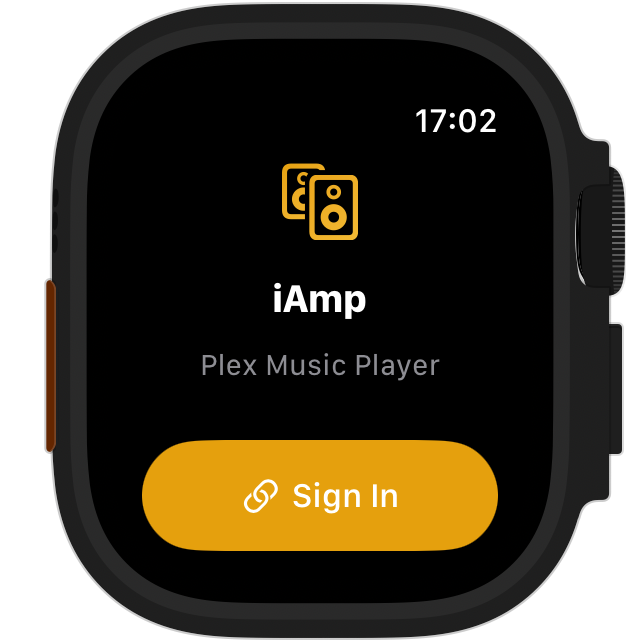
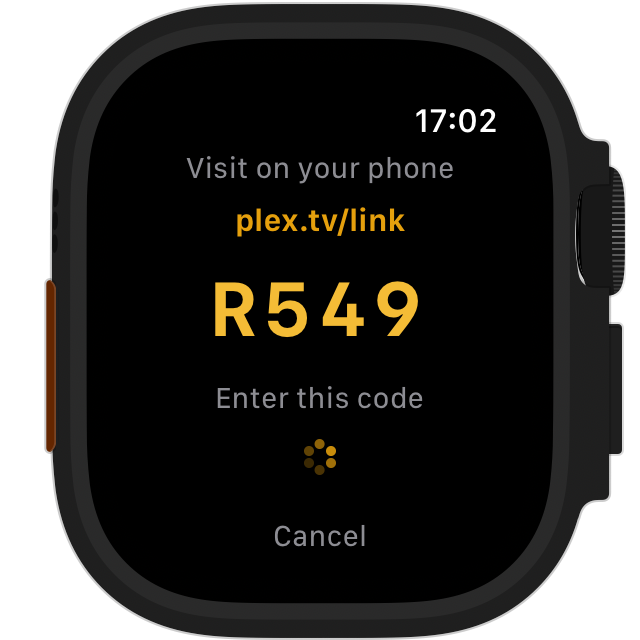
wristAmp runs entirely on your watch. Sign in once with a PIN code, and your watch talks directly to your Plex server. Leave your phone at home.
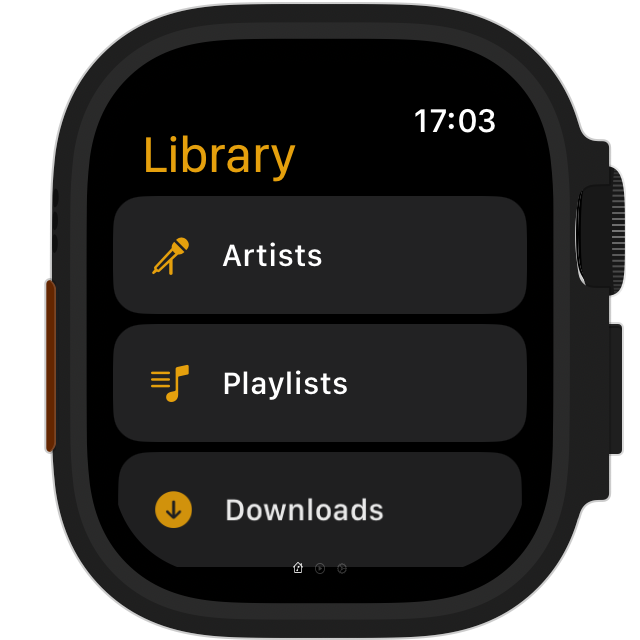
Browse Your Full Library
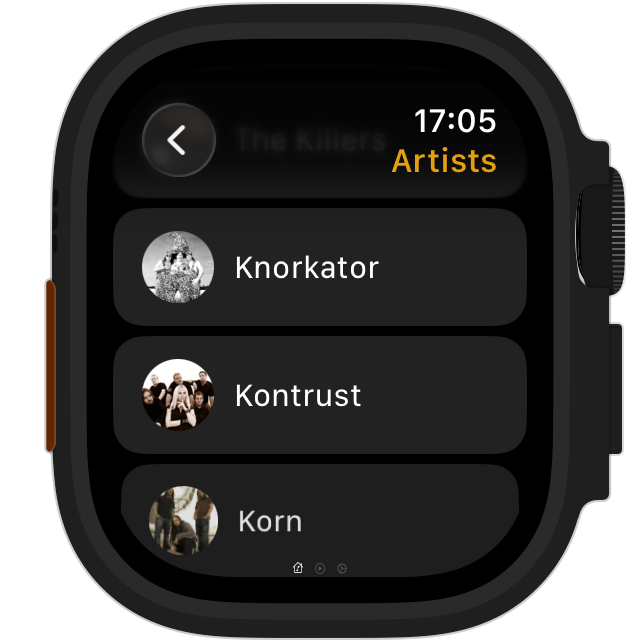
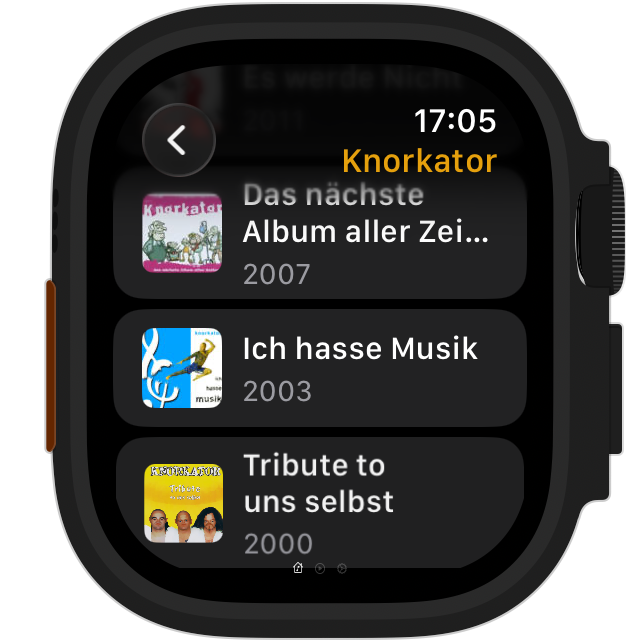
Navigate your music the way Plex organizes it: by artist, album, or playlist. Album art loads everywhere, cached for instant scrolling.
Download for Offline Listening
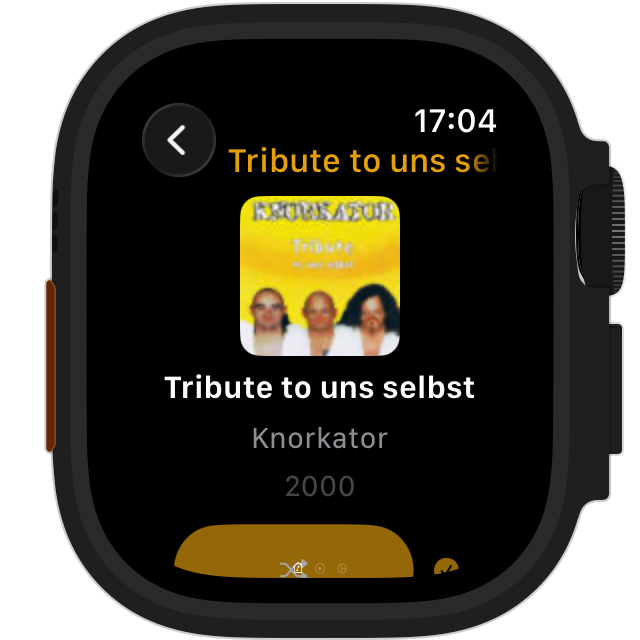
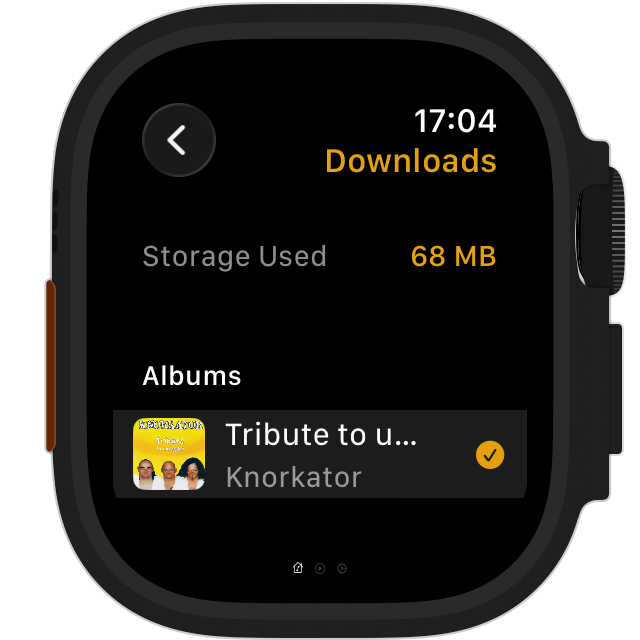
Download entire albums or playlists to your watch with a single tap. FLAC files are transcoded to MP3 during download (roughly 6x smaller), so your watch storage goes further.
Stream Over Wi-Fi
Tap a track and it plays. MP3, AAC, OGG, WAV, streamed directly from your server. FLAC files are automatically transcoded server-side.
Full Playback Controls
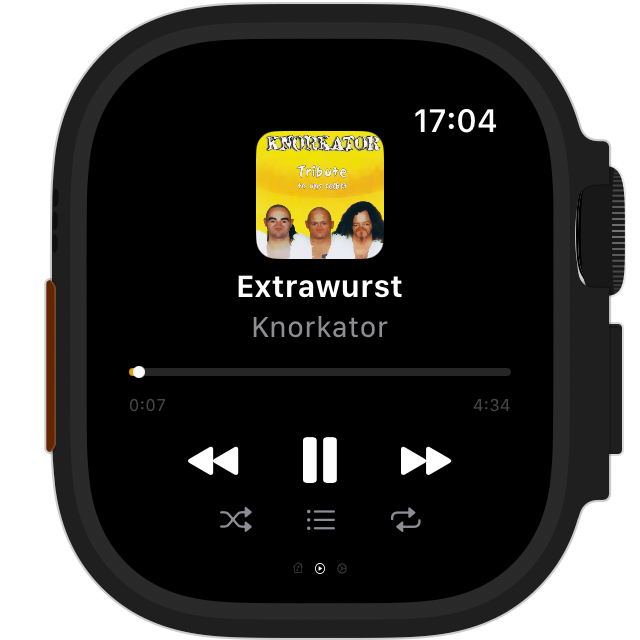
Shuffle, repeat, skip, scrub, and queue management, all from your wrist. The Digital Crown controls volume with a visual overlay.
System Integration
Track title, artist, album art, and transport controls all appear in the watchOS Now Playing view. Skip tracks from Control Center or your AirPods.
Offline-First Design
When your server is unreachable, wristAmp automatically plays from downloaded content. Artwork loads from disk cache. Your library is always accessible.
Up and running in seconds
Open wristAmp
Launch wristAmp on your watch.
Enter the PIN
Visit plex.tv/link from any browser and enter the code shown on screen.
Server discovered
Your server is found automatically. Your music library appears within seconds.
Browse, stream, download
That's it. Your entire Plex music library, on your wrist.
See it in action
A native experience designed for browsing and playing your Plex music library. Shown here on Apple Watch.
Built different
Not a port. Not a remote control. A real music player engineered for the constraints of a smartwatch.
Truly standalone
Direct Plex server connection. No companion app, no relay, no middleman.
FLAC support
The only watch player that handles FLAC. Transcoded on the fly for streaming, compressed for downloads.
Offline playback
Download albums and playlists. Local files are always preferred over streaming.
Smooth UI
Heavy audio work happens in the background so the interface stays responsive while you browse and play.
Secure
Auth tokens stored securely in the system keychain. Never in plain files.
Storage-conscious
FLAC to MP3 transcoding on download saves ~6x storage. Clear downloads anytime with a swipe.
Common questions
Do I need a phone to use wristAmp?
No. wristAmp is fully standalone. You sign in with a PIN code from any browser, and the watch communicates directly with your Plex server.
What audio formats are supported?
MP3, AAC, M4A, OGG, WAV, and ALAC stream directly. FLAC is fully supported. Your Plex server transcodes it automatically so it plays and downloads without issue.
Does it work offline?
Yes. Download any album or playlist to your watch. When you play a track, wristAmp checks for a local file first. If it exists, no network is needed.
How much storage do downloads use?
It depends on your music. FLAC files are transcoded to MP3 during download (~6x smaller). You can see your storage usage in Settings and delete any download with a swipe.
Does it work with Bluetooth headphones?
Yes. Connect your AirPods or any Bluetooth headphones to your watch and wristAmp plays through them. Skip/pause controls from your headphones work too.
Does it integrate with system controls?
Yes. Track info and album art appear in the watchOS Now Playing view. Play, pause, skip, and scrub all work from Control Center and connected accessories like AirPods.
What Plex server setup do I need?
A standard Plex Media Server with a music library. wristAmp connects using the standard Plex API. No plugins or special configuration needed.
Is my Plex token secure?
Yes. Authentication tokens are stored securely in the system keychain, never in plain text files.
Can I search my library?
Not yet. Currently you browse by artist, album, track, or by playlist.
Does it support multiple Plex servers?
Yes. If your account has multiple servers, wristAmp shows a picker so you can choose which one to use.
How do I report a bug or request a feature?
Head over to our GitHub Issues page. Pick the appropriate template for a bug report or feature request and fill it in. We read every submission.